DELTARUNE Fight Mobile and Touch Controls
The Roblox port is a PC keymap with on-screen buttons. Here is how to survive it.
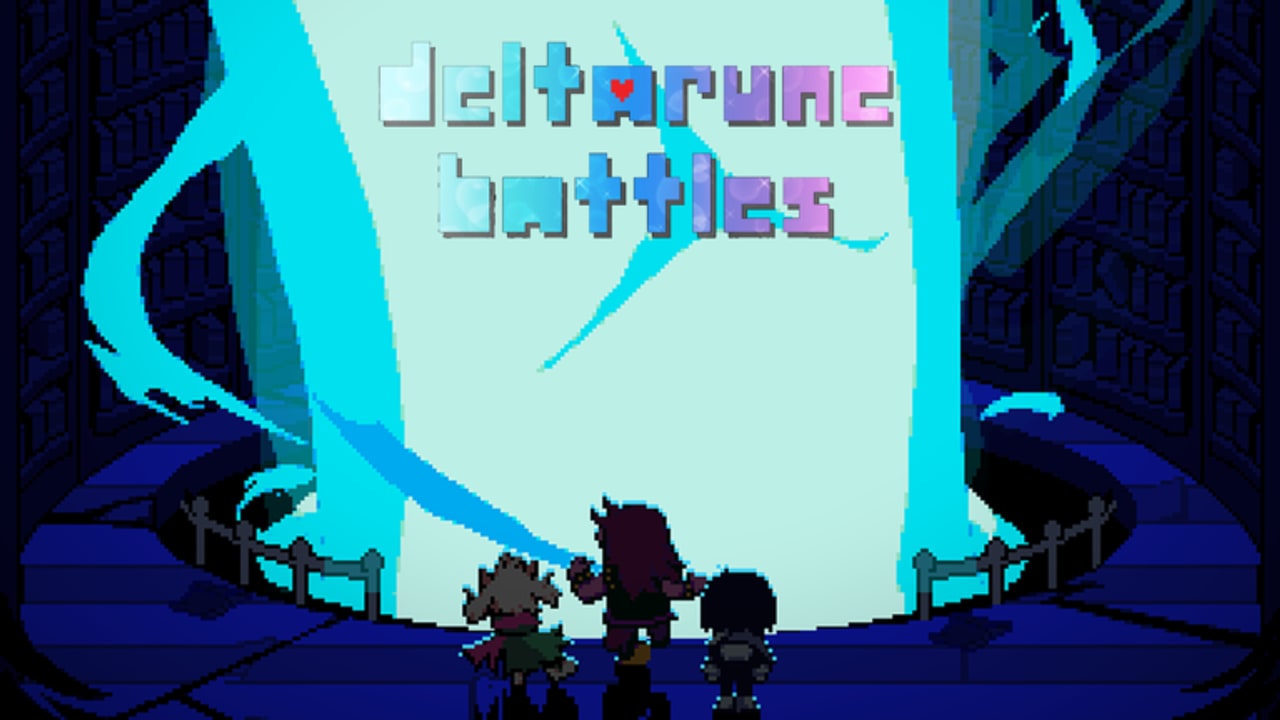
DELTARUNE Fight on a phone is the same Castle Town Dojo with a worse HUD. Commenters already said they cannot change stats on mobile, the soul feels slow, and landscape is the only way to see the box. This page is that client. It is not a different game. Place ID stays 138225905240404.
If keys on a Bluetooth keyboard still fail, you are not on mobile anymore — use controls. If you cannot find the Dojo, use Castle Town.
Before the first fight
- Rotate to landscape. Portrait crops the soul box and the command row.
- Close Roblox chat. Confirm is Z/K on PC; on touch, the on-screen confirm sits under the chat drawer. Chat eating inputs looks like a broken game.
- Turn off giant overlays (recording bubbles, battery widgets) that cover the bottom-right. That corner is also where VERSUS lives on the Party menu.
- Do not hunt the sandbox ATK slider. Many phones never show it. Play default HP. Roles from Fun Gang still work.
Touch map
| Action | What to tap |
|---|---|
| Move in town | Virtual stick or tap-to-walk |
| Confirm | On-screen confirm / highlighted tile |
| Cancel | On-screen cancel |
| Menu | The menu tile (C/M on keyboards) |
| Party | Inside menu |
| SOUL | Drag inside the box |
| Slow SOUL | Do not wait for Shift. It is reported broken on PC too. |
FIGHT still has a timing bar. A fat thumb is a weak hit. Practice on a trash Dojo enemy from how to fight before you queue a friend.
What mobile cannot do well
- Stat editor. Missing for many clients. You are not locked out of the game. You are locked out of the lab. Add Character may also hide. See how to add characters.
- Precision slow. Shift-slow reported dead even on PC. On a finger, it was never coming.
- Twelve-slot circus. Tiny lists, easy mis-taps. Keep four names.
- Versus on lag. Soul desync plus a small screen is how Ralsei dies to a burst you did not see. Lab PvE first. How to PvP.
Console cousins
Console drift (keep sliding after you stop) is a sibling bug. Brake with the opposite tap, then open menu. Do not line up a Dojo prompt while sliding.
When to switch to PC
Switch if you want to:
- edit sandbox stats
- add extras the phone list hides
- time Rude Buster in Versus
- screenshot the keybind table onto a second monitor
Stay on mobile if you only want Castle Town, one Dojo fight, and Fun Gang defaults. That loop is valid. The wiki will not tell you a phone is cheating you out of Pink. Pink is an event on the listing — Saturday Pink — not a desktop exclusive.
Session recipe
Landscape. Chat closed. Party: Kris, Susie, Ralsei, Noelle. One Dojo fight. If the box is unreadable, leave, rotate, rejoin. Do not add Jevil on a three-inch command row. After a clear, stop or hand the phone to a friend and read Getting Started together.
Codes still do not exist as of this week. Do not type PINKUNLOCK with autocorrect on. Codes Hub.
Mobile is a HUD problem, not a missing chapter. Treat it that way and the Dojo still works.
Party menu on a small screen
The VERSUS control is bottom-right of Party. That is the same corner as ads, recording buttons, and the Roblox chat tab. If VERSUS never appears, you are solo, or the button is under a widget. Close widgets, then look again before you accuse the patch. Two humans still required — how to PvP.
Add Character lists are long. Scroll slowly. Pink will sit near the bottom of an event week list, not in a secret swipe. How to add characters.
Frequently Asked Questions
Quick answers for Castle Town, the Dojo, and Versus nights.
Why can't I change stats on my phone?
The sandbox panel is a PC habit. Play default numbers and roles. Full note in Getting Started.
Should I Versus on mobile?
After one PvE clear, and only if you can see the bottom-right Party button. Read how to PvP.
Does landscape really matter?
Yes. Portrait eats the soul box. Rotate before you blame the pattern.