DELTARUNE Fight Controls and Keybinds
Every default key in the Roblox listing, plus the movement bugs players actually hit.
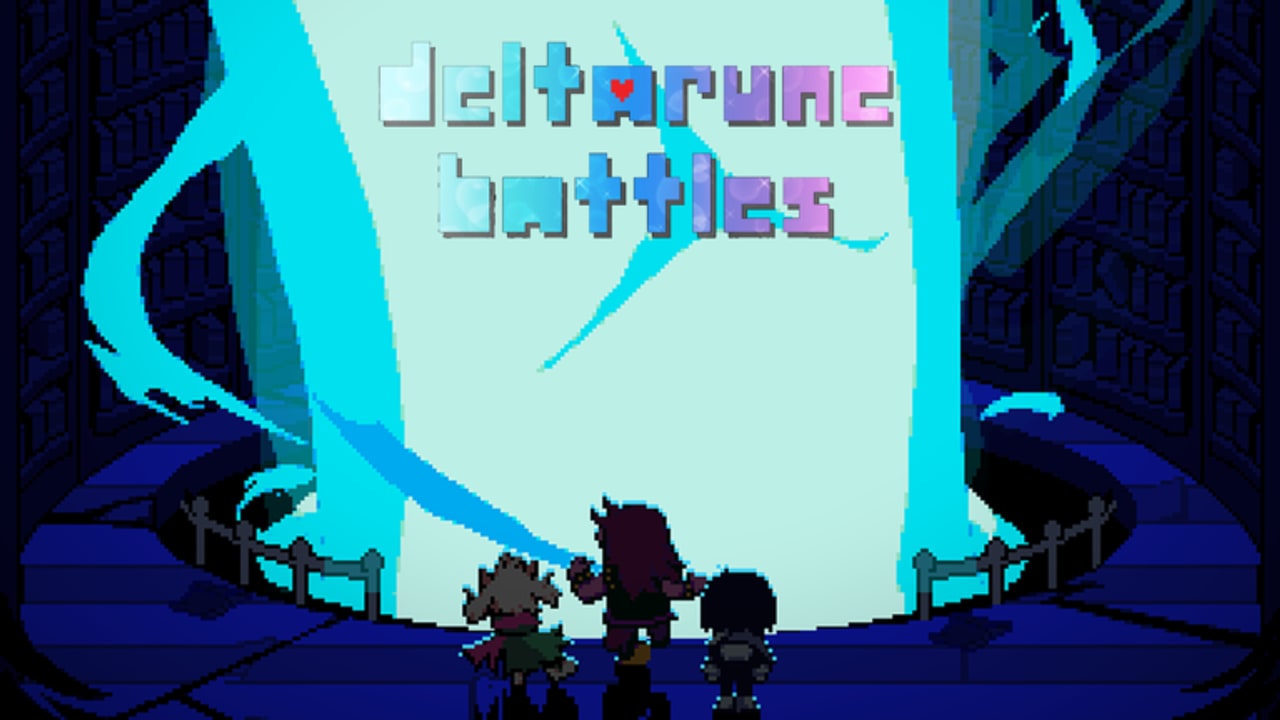
The Roblox description for DELTARUNE Fight is a control card before it is a lore card. Z/K confirm. X/L cancel. C/M menu. If those three chords do not work, nothing else on this wiki will save the session. Print this page or keep the shorter keybind reference on a second screen.
This is not the official DELTARUNE PC keymap. Roblox eats some binds, mobile replaces them with buttons, and console can drift. Read the platform notes after the tables.
Overworld (Castle Town)
| Action | Default |
|---|---|
| Move | WASD or arrow keys |
| Confirm / talk | Z or K |
| Cancel / run-style cancel | X or L |
| Menu | C or M |
| Open Party | in-menu Party tab (also used for VERSUS) |
Walk first. The lobby is small. You are looking for the Dojo, not a chapter dungeon. See Castle Town.
Battle commands
| Command | What it does |
|---|---|
| FIGHT | Timing bar attack. Hit confirm near the left box for a crit-style hit. |
| ACT | Interactions, often Kris-led. |
| MAGIC | Spells. Spends TP. Rude Buster and IceShock live here. |
| ITEM | Inventory. Do not waste heals before you learn the pattern. |
| SPARE | Mercy. Some sandbox fights still honor it. |
| DEFEND | Take less damage, usually gain TP. |
| Move SOUL | WASD or arrows inside the box |
| Slow SOUL | Hold Shift on many DELTARUNE-likes — reported broken here |
Confirm still uses Z or K on the timing bar. If you mash, you get a weak hit and you feed the enemy another turn. Practice in the Dojo with the how to fight page open, not in Versus.
The bugs you will blame on “bad controls”
Shift / Z slow does not work. Multiple players said you cannot slow the soul with Shift or Z on the current build. Play as if slow-mode is off. Smaller movements, earlier dodges. Do not stand in the middle waiting for a precision modifier that never arrives.
Console drift. If you stop moving on some consoles, you keep sliding. Tap the opposite direction to brake, then open menu. Do not try to line up a talk prompt while sliding past an NPC.
Mobile stats. The sandbox stat panel is a PC habit. Phones often cannot change those numbers. You can still play. You cannot lab ATK. Use roles from the Fun Gang page instead of a spreadsheet.
Soul speed. People want it faster. Until a patch, you dodge by reading, not by outrunning. That is why Ralsei DEFEND is not optional on long Knight-style boxes.
When a patch claims to fix any of these, it will be on patch notes. Do not assume a YouTube video from July still matches your client.
Suggested PC layout
Keep your left hand on WASD and your thumb near Shift even if slow is dead — muscle memory for other fangames. Keep your right hand on arrows as a backup soul mover if WASD is bound to camera on your Roblox settings. Confirm on K if you also type in chat with Z-heavy words; confirm on Z if you came from the PC RPG.
Roblox settings can steal keys. If C opens Roblox emotes instead of the fight menu, rebind emotes or use M. If K is screenshot, use Z. Fight the overlay, not the Dojo.
Versus-specific inputs
VERSUS is not a key. It is a button on the Party menu, bottom-right, and you need two or more people in the party. Full flow: how to PvP. Once the duel starts, the same FIGHT timing applies. Rude Buster is still MAGIC plus TP. There is no extra “PvP only” key.
After you can move
Go back to Getting Started if you have not cleared a Dojo fight. Use the party planner if your only problem is who to bring. If a key still does nothing on PC after you closed overlays, you are in the wrong experience — verify the place on links.
Frequently Asked Questions
Quick answers for Castle Town, the Dojo, and Versus nights.
What is confirm?
Z or K, matching the Roblox description. Use it for talk, menu picks, and the FIGHT bar.
How do I slow the soul?
Shift-slow is reported broken. Dodge with smaller movements instead of waiting on a modifier.
Is there a different PvP keymap?
No. Versus uses the same battle keys. You only need the Party menu button documented in how to PvP.